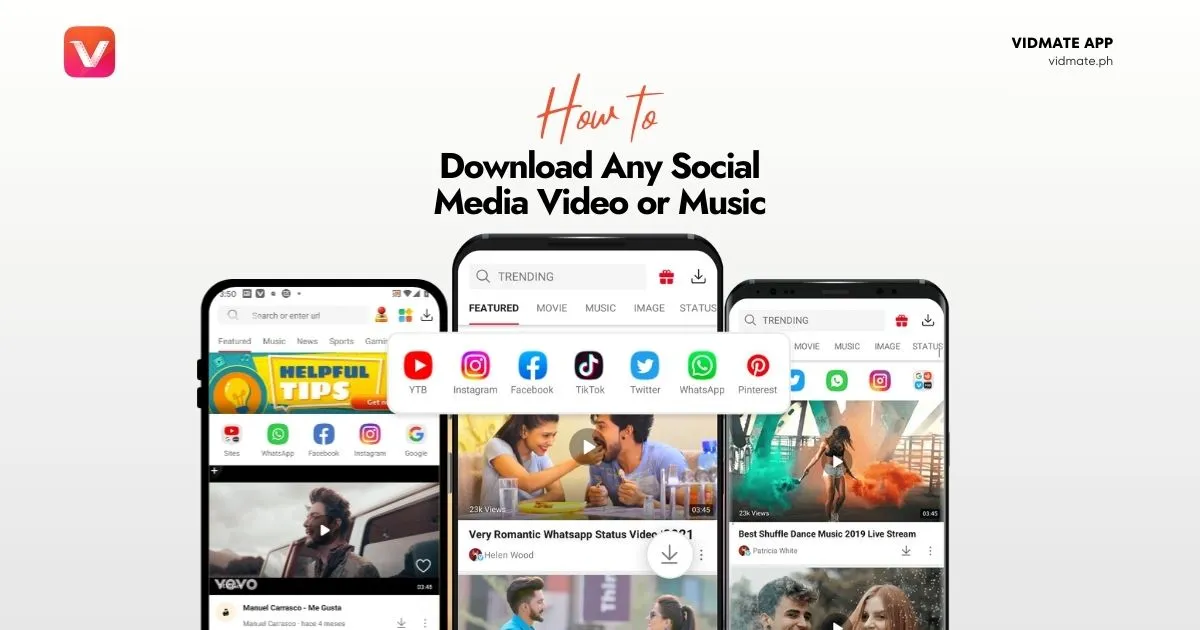
How to download Video or Music on any Social Media using VidMate
Your complete guide to saving videos and audio from any platform directly to your device for offline access. Fast, simple, and free.
Unlock a World of Offline Content
Ever found a perfect video on Instagram, a hilarious clip on Facebook, or a must-have song on YouTube, only to wish you could save it for later? Social media platforms make it easy to stream content but difficult to save it. That’s where Vidmate comes in. This powerful app acts as your all-in-one key to downloading media from thousands of sites, converting it to MP4 or MP3, and saving it forever. If you haven’t already, you can download the official Vidmate APK from our secure hub to get started.
Why Vidmate is the Best Choice for Social Media Downloads
Vidmate isn’t just another downloader; it’s a comprehensive tool designed for convenience. As we detail in our Vidmate vs. Snaptube comparison, here’s why it stands out:
- Broad Compatibility: It works with over 1000+ platforms, including major players like YouTube, Facebook, Instagram, TikTok, and many more.
- Multiple Formats: Choose to save your file as an MP4 video in various qualities (from 240p to 4K) or extract the audio and save it as an MP3.
- Simple Interface: The process is incredibly user-friendly, requiring just a few taps to get the content you want.
Step-by-Step: How to Download Video and Music from Any Social Media App in VidMate
Follow these simple steps to start building your offline library. The process is nearly identical across all supported platforms.
1. Find and Share the Video
Open your social media app (e.g., Instagram, YouTube, Facebook). Find the video or song you want to download and tap the ‘Share’ button.
2. Copy the Link
From the sharing options, select ‘Copy Link’ or ‘Copy URL’. This will save the video’s web address to your clipboard.
3. Paste the Link in Vidmate
Open the Vidmate app. The link you copied will often be detected automatically. If not, paste it into the search bar at the top and tap ‘Go’.
4. Choose Your Format and Download
Vidmate will process the link and show you all available download options. Select your desired format (MP4 for video, MP3 for music) and quality, then tap the ‘Download’ button.
Which Platforms Are Supported?
Vidmate’s strength lies in its extensive compatibility. While it supports over a thousand sites, here are some of the most popular platforms you can download from:
- YouTube
- TikTok
- Dailymotion
- Vimeo