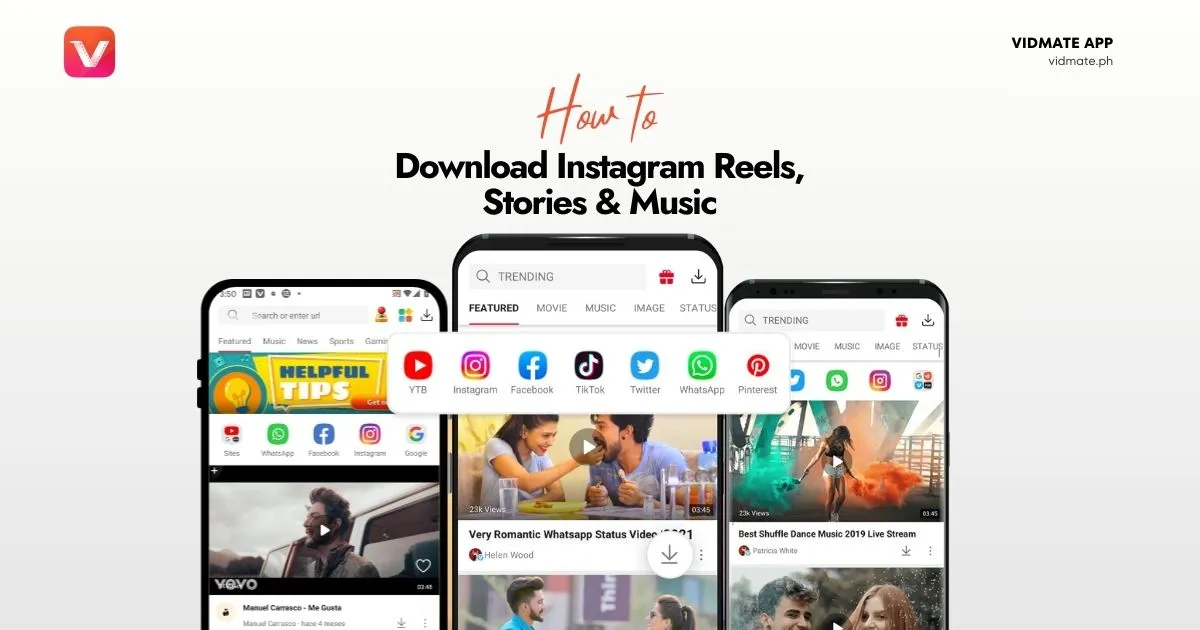
Instagram [Reels, Videos, Audio] Downloader Using VidMate App
Save Instagram Reels, Stories, Videos, and even Music directly to your device with Vidmate. This guide makes it fast, free, and simple.
Why Download from Instagram using VidMate APK?
Instagram is a vibrant hub of content, from viral Reels and insightful Stories to beautiful videos and catchy background music. The problem? It all disappears. Stories vanish in 24 hours, and finding a Reel you saw last week can be impossible.
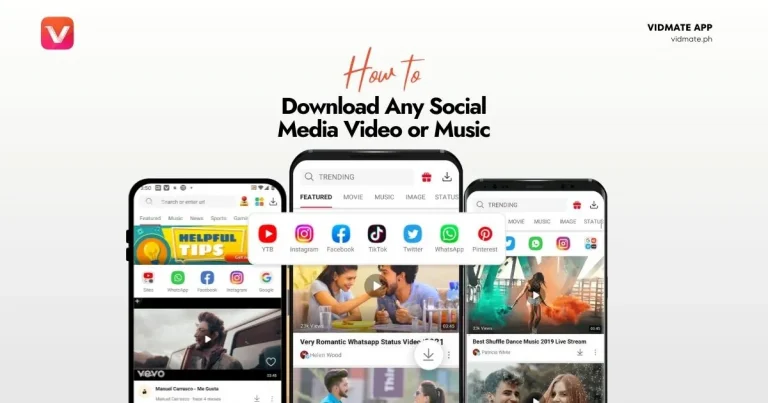
By using Vidmate, you gain the power to save this fleeting content, creating a permanent collection of your favorite moments, tutorials, and music tracks, all accessible offline. For a broader overview, see our general guide on downloading from social media.
What you can download from Instagram using VidMate?
Vidmate is uniquely equipped to handle everything Instagram has to offer. It’s more than just a video downloader it’s a complete media-saving toolkit:
Reels & Video Downloader
Save any public Reel or video post in high-quality MP4 format.
Story Saver
Download Instagram Stories before they disappear after 24 hours. Keep them forever.
Music & Audio Extractor
Love the song in a Reel? Vidmate lets you extract the audio and save it as an MP3.
How to Download from Instagram (Step-by-Step) on VidMate App
The process is identical for Reels, Videos, and Stories. Just follow these simple steps:
1. Find the Content on Instagram
Open the Instagram app and navigate to the Reel, Story, or Video you want to save. Tap the ‘Share’ icon (it looks like a paper airplane).
2. Copy the Link
From the sharing options at the bottom, tap the ‘Copy Link’ button. This copies the unique URL of the content to your clipboard.
3. Paste the Link in Vidmate
Open the Vidmate app. It will often automatically detect the link you just copied. If not, simply paste the URL into the top search bar and tap ‘Go’.
4. Choose Your Format & Download
Vidmate will show you all available download options. Choose MP4 for video or MP3 for audio, select your desired quality, and tap ‘Download’.